Software for contractors
Run the whole business. Take ForeLeaf jobs this fall.
Estimates, jobs, invoices and payments in one place, plus your own website.
Free for our first pros. No card, no lead fees, no cut of your jobs.
Estimates, jobs, invoices and payments in one place, plus your own website.
Free for our first pros. No card, no lead fees, no cut of your jobs.
Counted from the pricebook a contractor actually gets at signup. Prices are yours to set, so none are shown here.
The value is not another dashboard. It is one connected operating record from the first customer conversation through payment.
Choose your trade and modules, confirm your business, and start with a pricebook and workflow built for home services.
Choose your trade, pick the operating modules you need, and create the owner account.
Confirm your services, materials, pricing, schedule, crew, payment setup, and contractor website.
Add or import a customer, send the estimate, schedule the work, invoice from the same record, and keep the history together.
ForeLeaf is two halves, and a contractor gets both. Your own work comes first: the customers you already have stay yours. The back office runs them whether you ever take a ForeLeaf job or not. The marketplace is the second half of the offer, not an add-on. It opens to homeowners this fall.
Run the customers, estimates, jobs, invoices, payments, marketing, and team you already manage. They stay your customers.
Homeowner booking opens this fall. When your trade and ZIP are live, you see the scope and the price before you accept. The price you accept is the price you are paid. Pass on anything that does not fit.
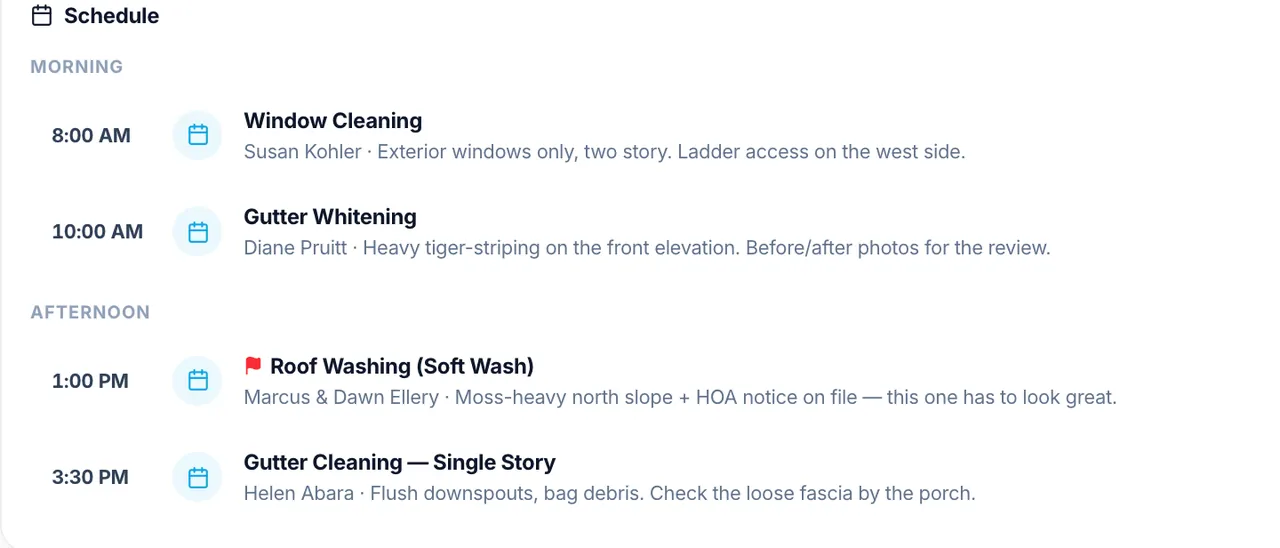
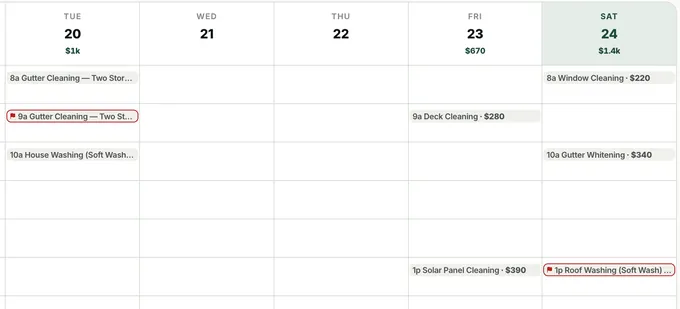
Today’s schedule, by the hour, in one place.
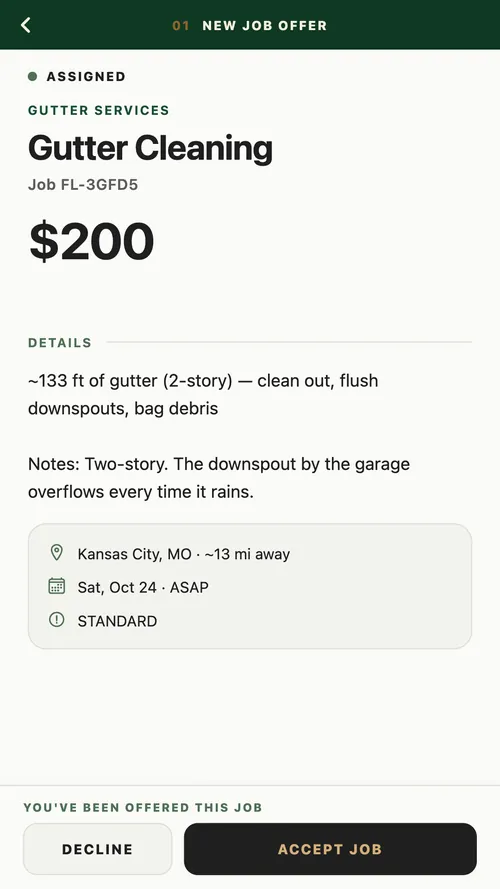
The scope and the price before you accept. The price you accept is the price you are paid.
Most apps hand you the job and leave the rest on you: the calendar, the invoices, the chasing down of who paid what. The ones built for the office charge extra for every piece. ForeLeaf comes with the whole office. Every module is included. It runs your whole business, not just your ForeLeaf jobs.
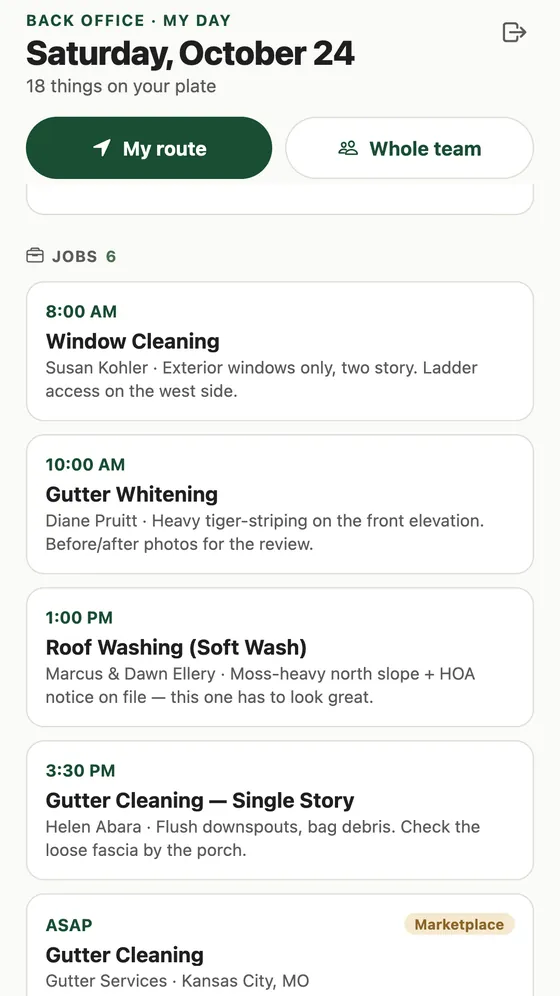
Your jobs on one calendar, by day, week, or month. Tap an empty slot to book one.
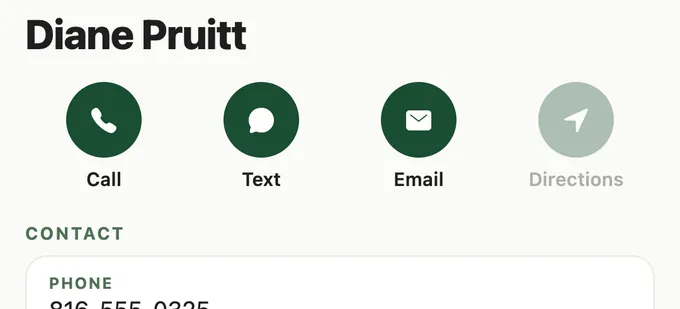
One record per customer, with their address and phone on it. Their past jobs sit on that record. So do their invoices.
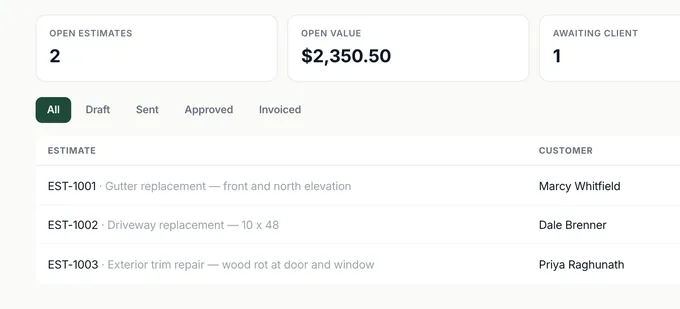
Your services and your materials are in the book on day one, each in its own unit. Email the estimate from the office. Your customer opens it on a link. One tap turns that estimate into the invoice.
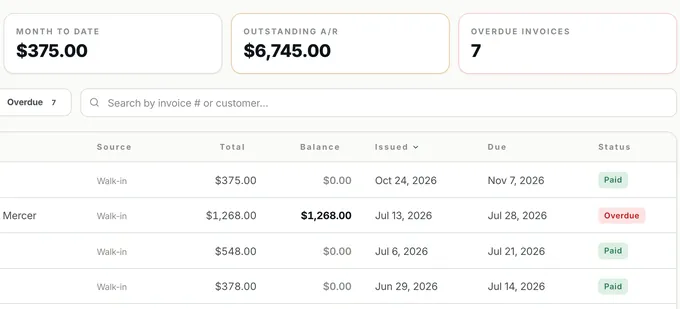
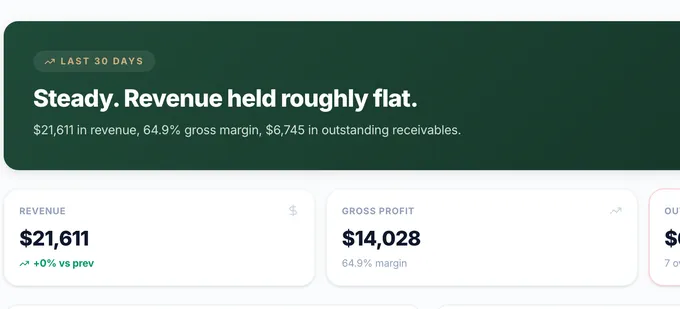
Email an invoice from the office. Cash or a check shows up? Record it against that invoice. Invoicing opens on four numbers: paid today, month to date, outstanding A/R, and how many invoices are overdue. Marketplace jobs are paid in the app, so there is nothing to chase.
Email campaigns to the customers already on your books. Send one now. Or pick a date and time and the office sends it for you.
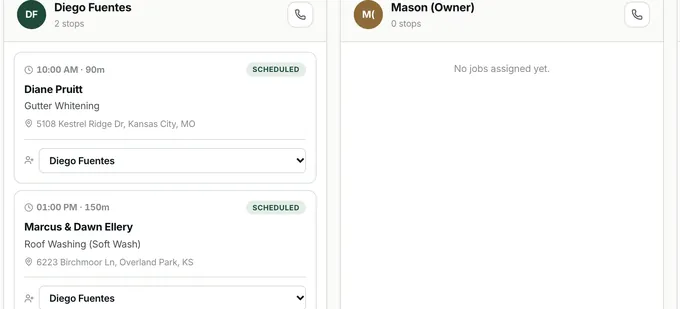
Add your crew under Employees. Each one gets a column on the board. Pick a name on a job card and the job moves to that column. One button puts the day’s stops in a numbered order.
Build a report off your invoices. The customer, the date, the total, the amount still due, the status. Save it. Run it again whenever you like.
Open a trade-specific site under your business name, add your brand and legal links, publish real approved reviews, and let customers order only the fixed-price services you explicitly enable.
Already keep your books in QuickBooks®? Connect the account once. The office pushes your invoices over. Your customers go with them. So do the payments.†
Switch the office to Spanish from the top bar. The calendar comes with it. So does the invoice your customer opens on their phone.
†QuickBooks is a registered trademark of Intuit Inc. The sync is a third-party integration built by ForeLeaf; ForeLeaf is not affiliated with, endorsed by, or sponsored by Intuit. You connect your own QuickBooks account, and Intuit’s own terms govern it.
Two of its screens, and the app your crew takes the job on. Nothing extra to buy.
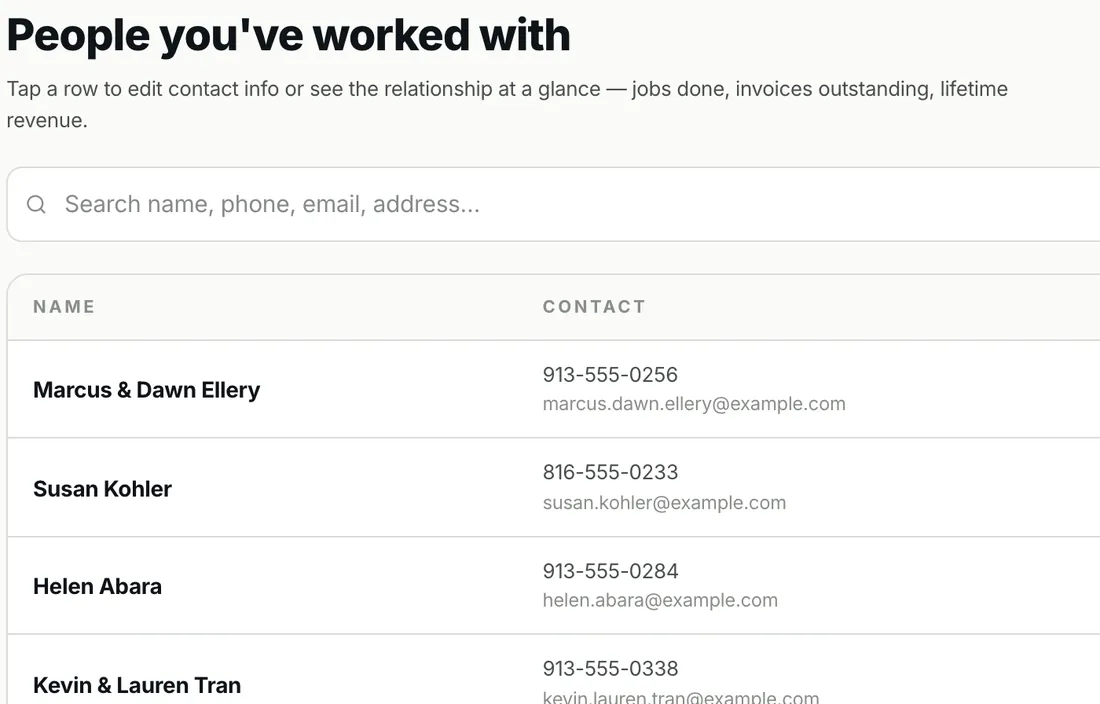
Everyone you have worked with, with their phone and email.
Every campaign keeps its own count of what went out.
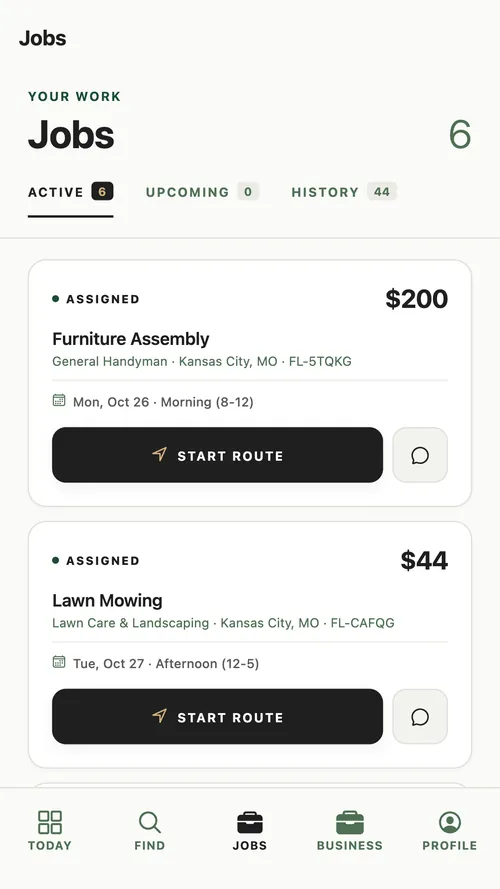
The job comes to the crew’s phone.
Most software hands you an empty pricebook and wishes you luck. Yours is written before you sign in. Pick your trade and see the actual list.
Start with trade-specific content under your business name, then control the brand, services, reviews, ordering, and legal links before you publish.
Publish customer feedback only after the customer has allowed the review and display name to appear.
Enable online ordering service by service for responsible fixed-price work. Keep project-specific trades on an estimate path.
Your logo, headline, story, services, colors, Privacy link, and Website Terms destination stay under your control.
A website order can create the customer, schedule, job, estimate, and invoice in the same operating system.
Yes. ForeLeaf FMS runs the customers and work you already have, on its own. ForeLeaf jobs appear when your trade and ZIP are active, and you decide which ones to accept.
Your customer record, scope, estimate, schedule, service job, invoice, payment status, notes, and history can move through one operating system instead of separate spreadsheets and apps.
The Back Office includes import paths for customers, estimates, jobs, invoices, and pricebook data. Use the provided templates so records arrive in the right modules.
Connect payments in the Back Office to accept eligible invoice payments online. You can also record cash or check payments against the same invoice. Marketplace payment flows remain separate.
Choose your trade and operating modules, create the owner account, then confirm your pricebook, schedule, team, payment setup, and contractor website from the guided Back Office.
Create the business account and choose your trade. Free for our first pros. Every module included.
Already have an account? Sign in to the Back Office.
No LLC or license yet? Start with the business setup guide.
Tell us your trade and service area. Marketplace opportunities are activated separately by trade and ZIP when qualified contractor supply and homeowner demand support them.